
Modified on: 18 May, 2026
If you have found a job or no longer wish to receive daily emails, you can easily cancel your Job Alerts. Here is how to unsubscribe in two ways:
How to Unsubscribe via Email
You can cancel your job alerts directly from any email notification you receive from Jooble without needing to log into your account.
- Click the button "Unsubscribe" at the top of the email (available in most modern email clients like Gmail):
- Or scroll down and click the "Unsubscribe" link at the bottom of the received email:
How to Cancel via Your Profile
If you want to manage multiple alerts at once or turn off additional career updates, you can do so through your personal dashboard.
- Go to the main page of the Jooble website, click on "Profile" and then select the "Subscriptions" section:
- Disable job alerts that are no longer relevant to you.
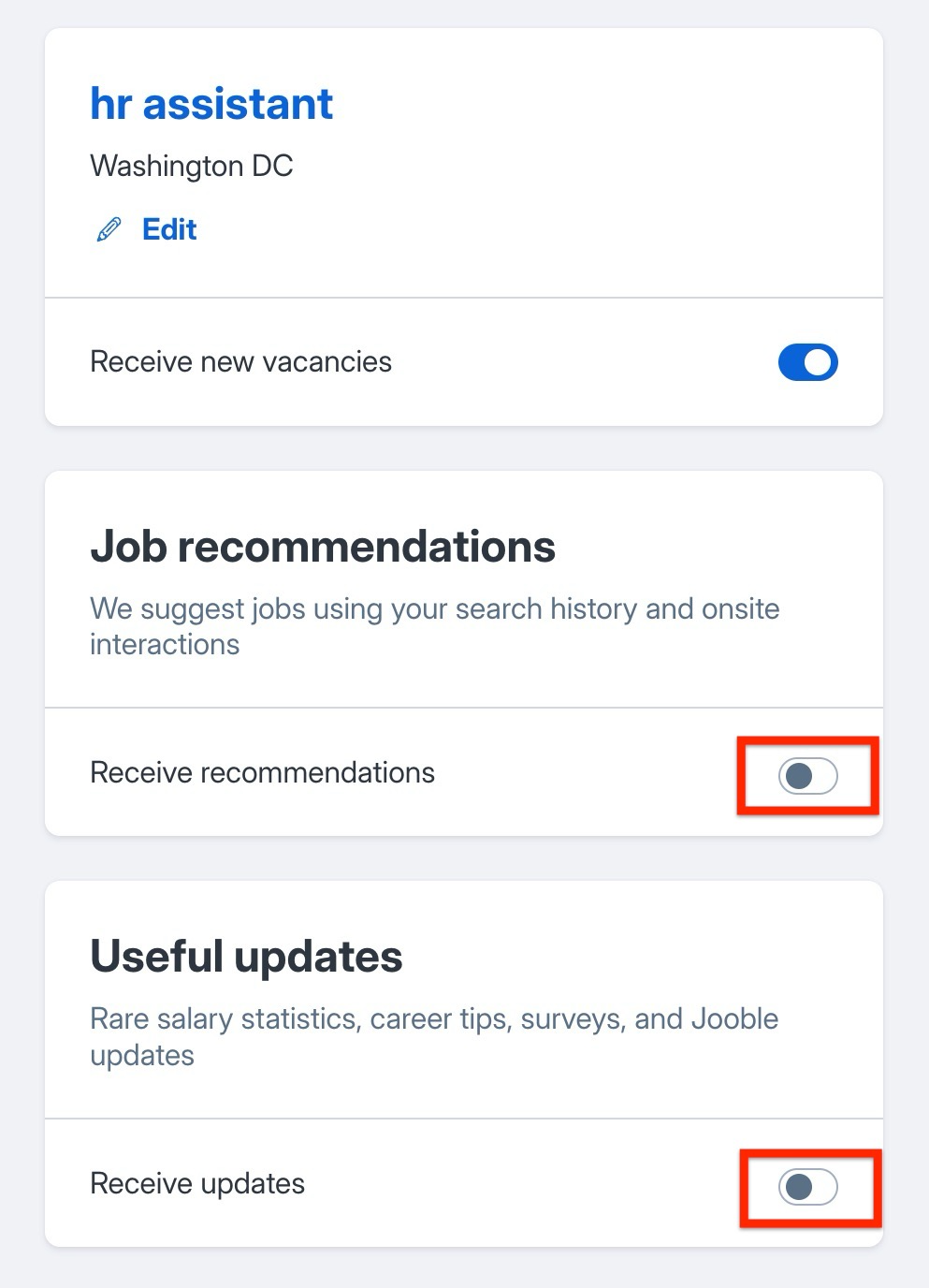
The "Subscriptions" section allows you to manage your job alerts by choosing which ones to unsubscribe from: - Also, at the bottom of the page, you can turn off Recommendations and Useful updates Job Subscriptions if you want to stop receiving automated career tips:
What’s Next?
- Need to change your parameters instead of deleting them? Read our guide on how to edit a job subscription.